All I can say is simplicity & I wish I had done it sooner. The Homehub3 is a basic router supplied by my ISP British Telecom for it’s Infinity Service, which does the absolute minimum it needs to connect to the internet. I initially wanted to open some ports to use a VPN & after hours of frustrated experimentation & research I decided to replace it.
I was recommended the Asus on a forum & impressed by the specification & implied ease in swapping them over. Even in my hands It took literally less than 10 minutes to achieve.
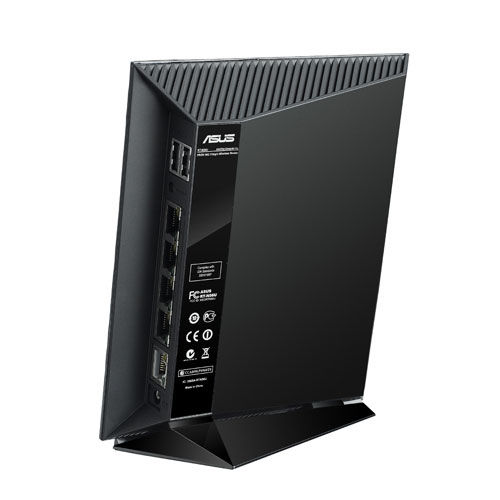
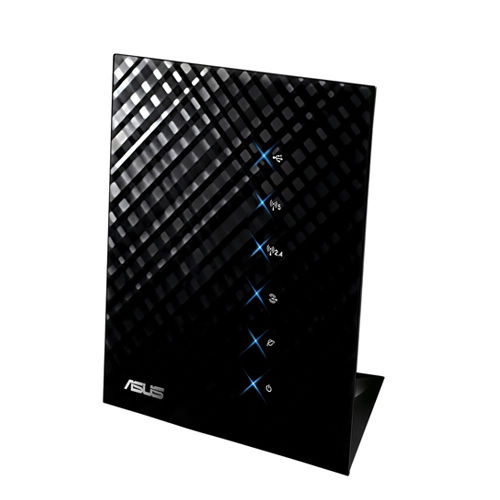
I swapped the routers over, logged into the Asus control panel & set the connection type as PPPOE & the username as bthomehub@btbroadband.com. On the HH3 there is no password, on the Asus you need to put in a password but it can be anything of your choosing.
That was it, up & running. The Asus has 4 gigabit ports over the HH’s 1 so already faster LAN transfers, it also has a wealth of features including FTP,VPN, Cloud sync (With the Asus Smartphone app) etc . But I think the biggest + for me is that it doubled the upload speed over the existing router.
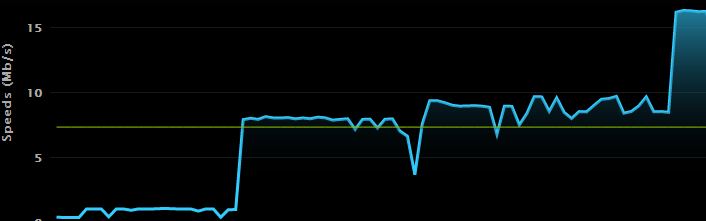
The picture above is a screenshot of my upload speed, the first peak is when I had Infinty 2 installed & it went up to around the 8 meg mark. The second is when I replaced the router, which has taken my upload speed to a consistent 16 meg. If your lumbered with a HH3 & frustrated with it’s lack of flexibility you should seriously consider the Asus. I’m not promising the performance enhancement I was lucky to get, but the Asus RT-N56U has so much more going for it over the Homehub.
 Forever Geek